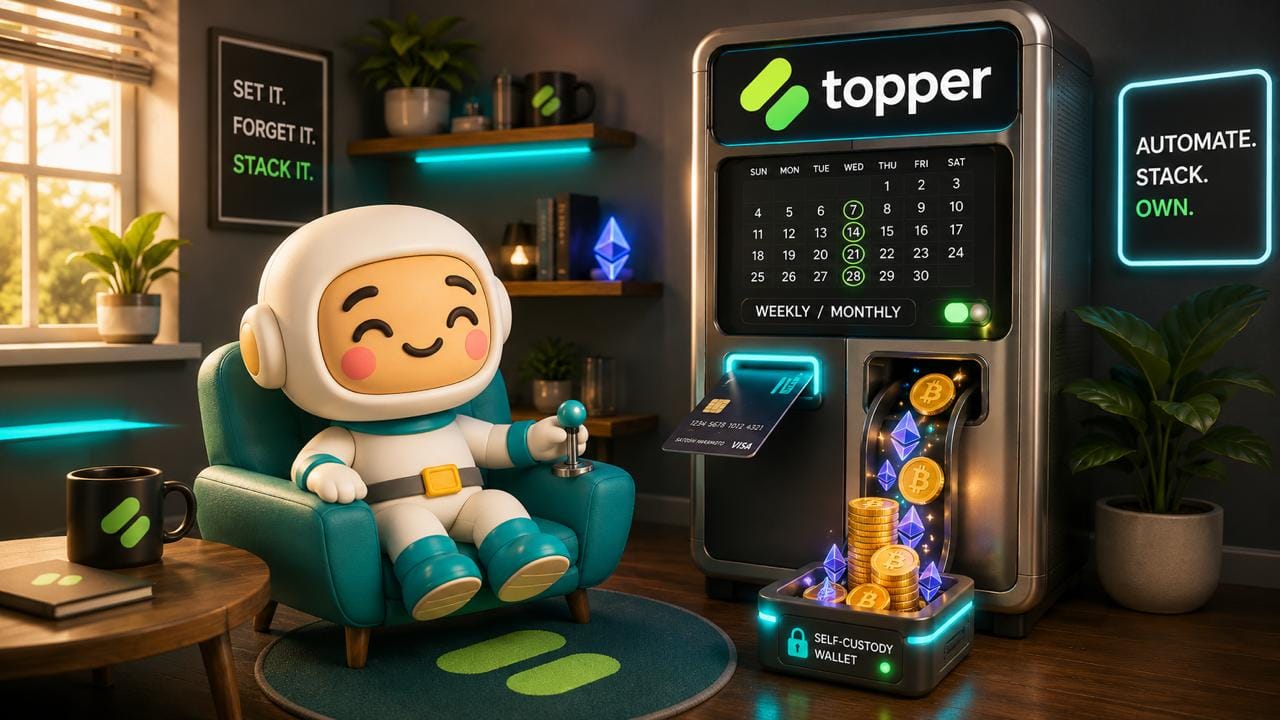
One of the most effective ways to build a crypto portfolio over time isn't timing the market — it's showing up consistently, regardless of what the market is doing. That's the core idea behind dollar-cost averaging (DCA): investing a fixed amount at regular intervals so that your average cost smooths out across market highs and lows.
The challenge has always been the execution. In a self-custodial wallet, DCA typically requires manual action — logging in, making a purchase, converting stablecoins — on a schedule you have to maintain yourself. That discipline is valuable, but the friction is real.
Recurring buys on MEW, powered by Topper, change that. You can now set up automatic, scheduled crypto purchases directly within MEW — putting your DCA strategy on autopilot without ever giving up custody of your assets.
If you're not familiar with dollar-cost averaging and why it's one of the most reliable long-term investment strategies, our guide to DCA for a self-custody wallet is a great place to start before setting up your first recurring buy.
How to Set up Recurring Buys on MEW Mobile
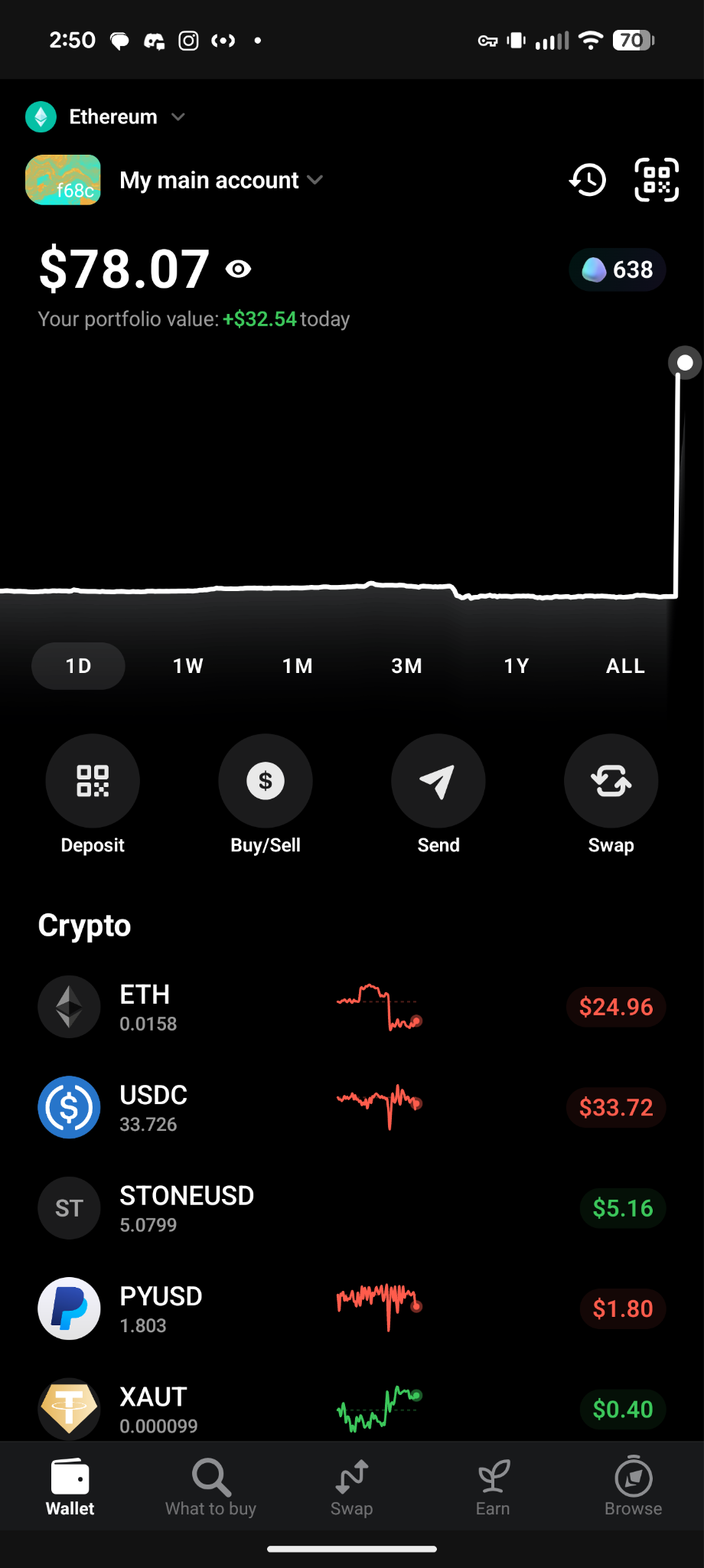
First unlock your wallet then select the ‘Swap’ option on the navigation bar located at the bottom of the app. Alternatively, you can click on the round ‘Buy/Sell’ button under your account chart.
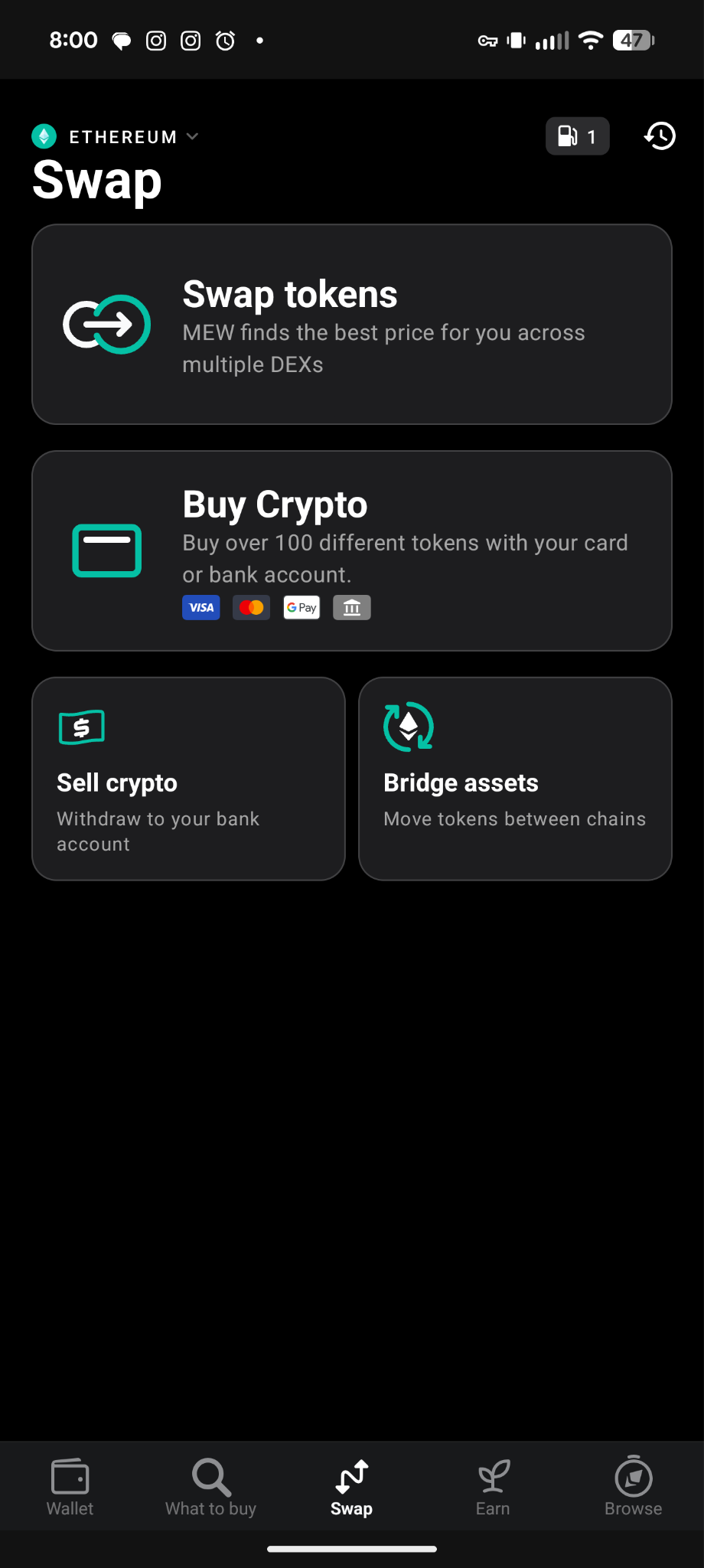
Select the ‘Buy Crypto’ tile.
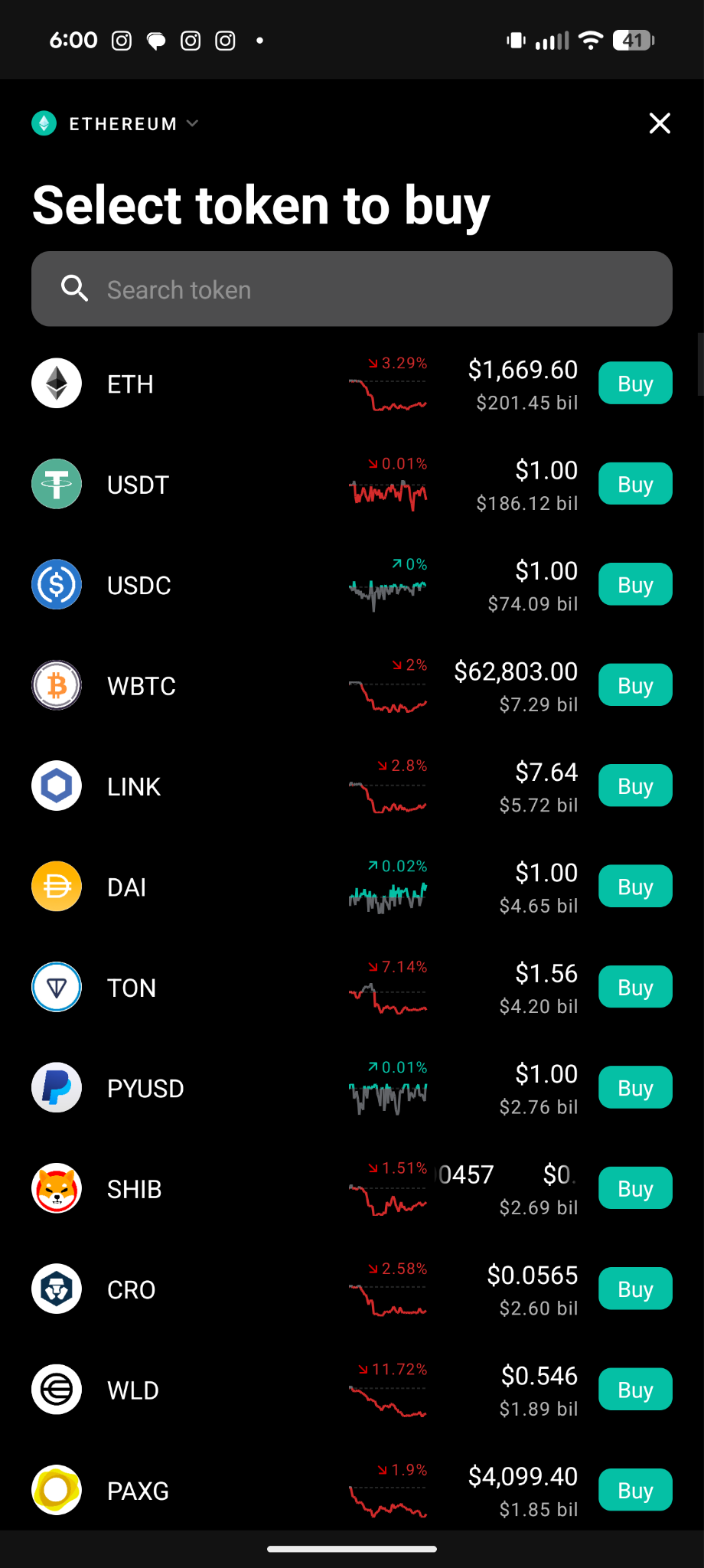
Select the token you want to set up a recurring buy for. We will choose ETH for this example.
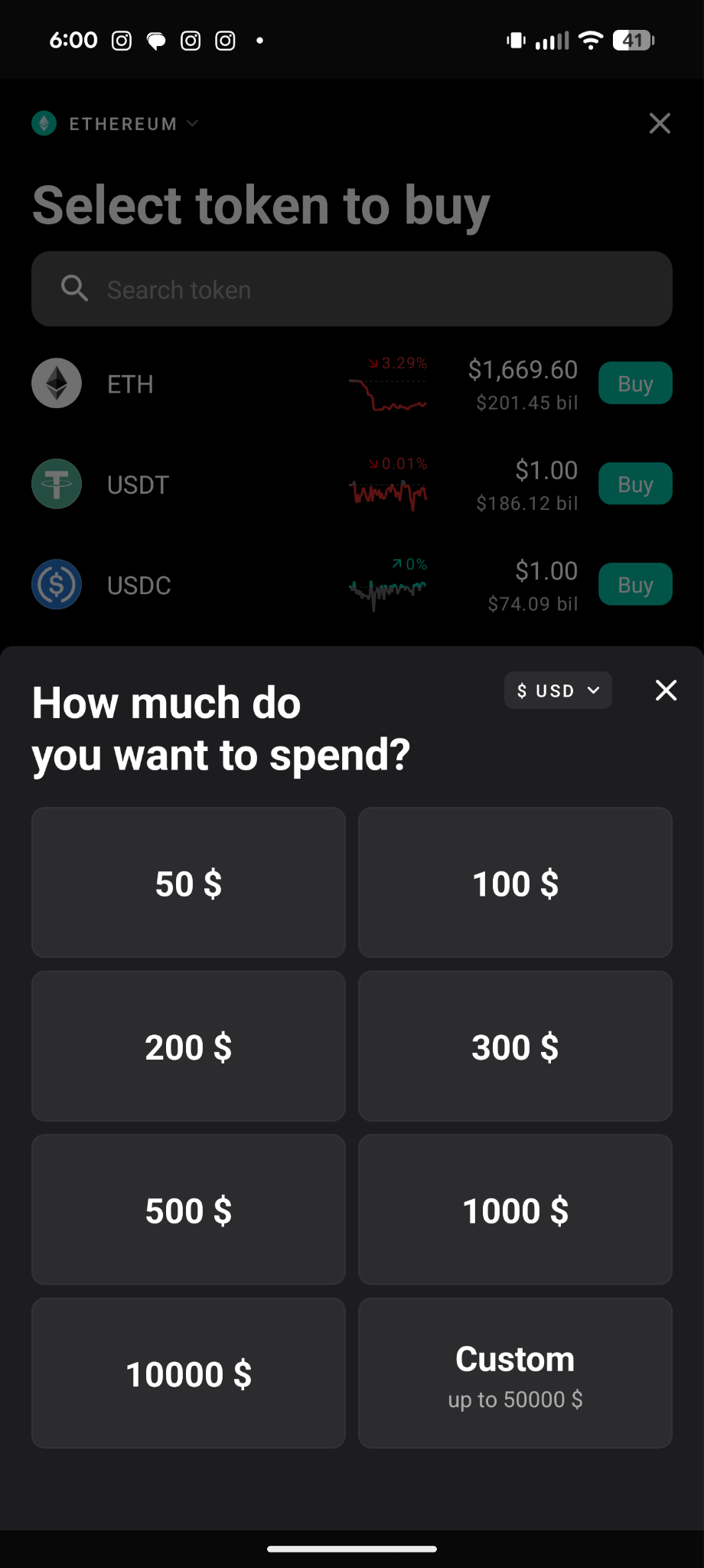
Select the amount you want to purchase. We will choose $50 for this example.
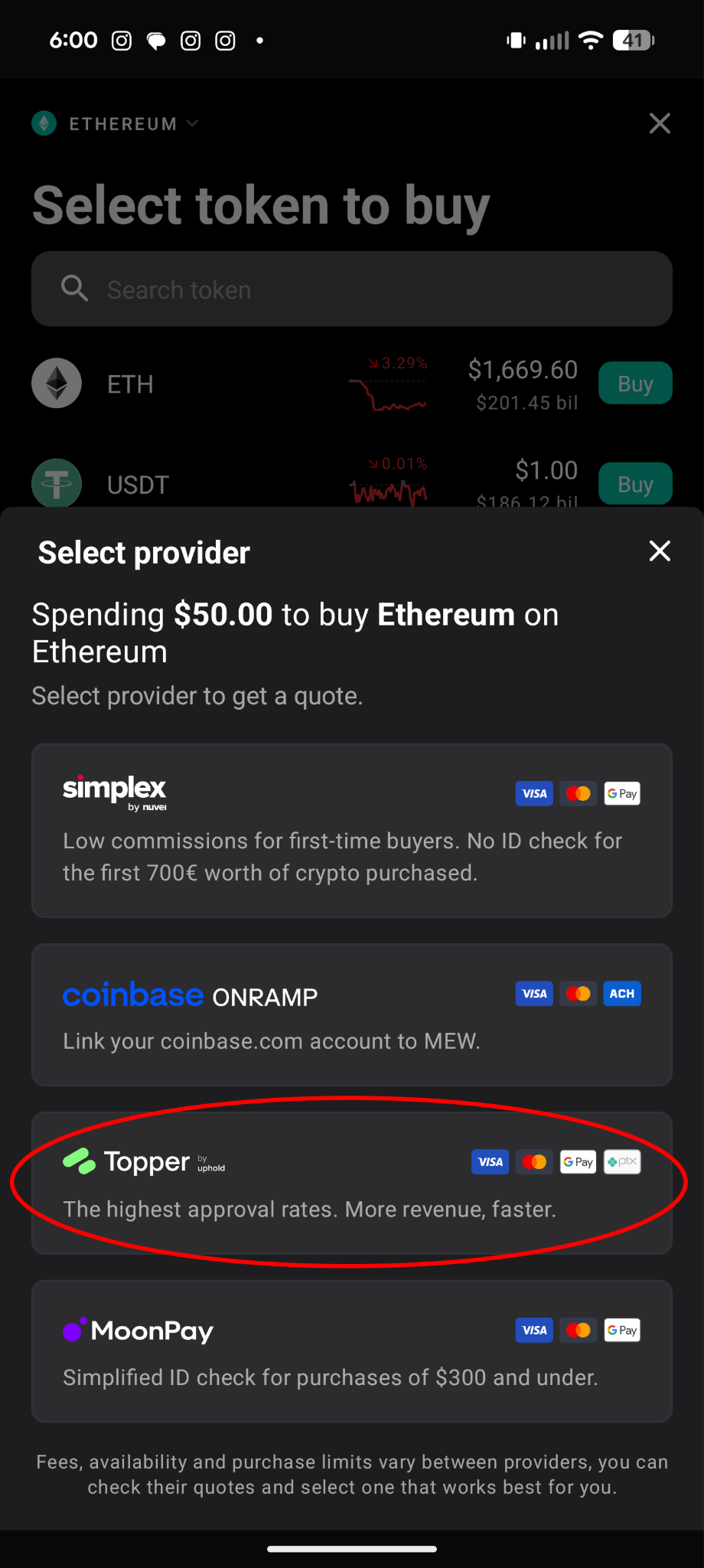
Make sure to select ‘Topper’ as your provider, as not all providers offer recurring buys at this time.
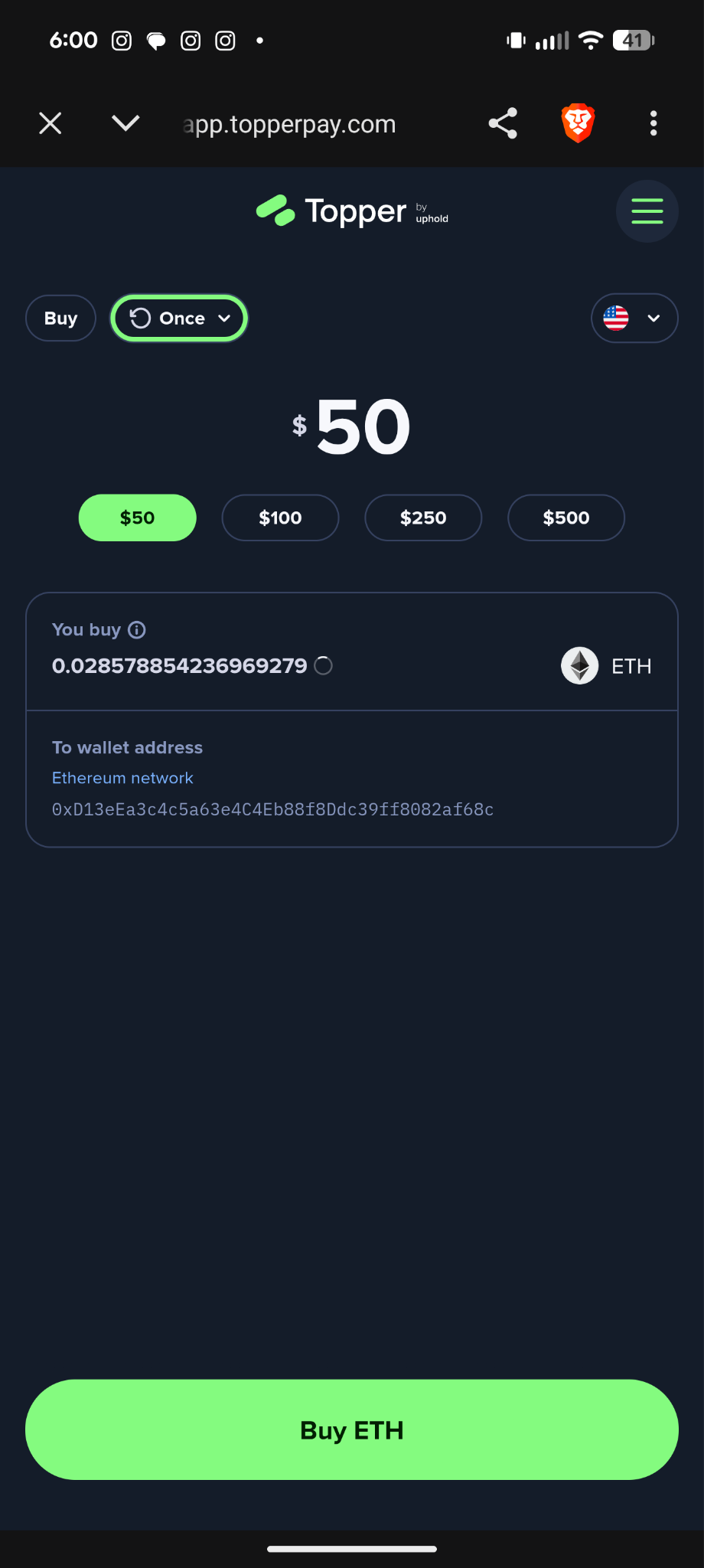
Click the ‘Once’ dropdown located at the top left to open the frequency selection menu.
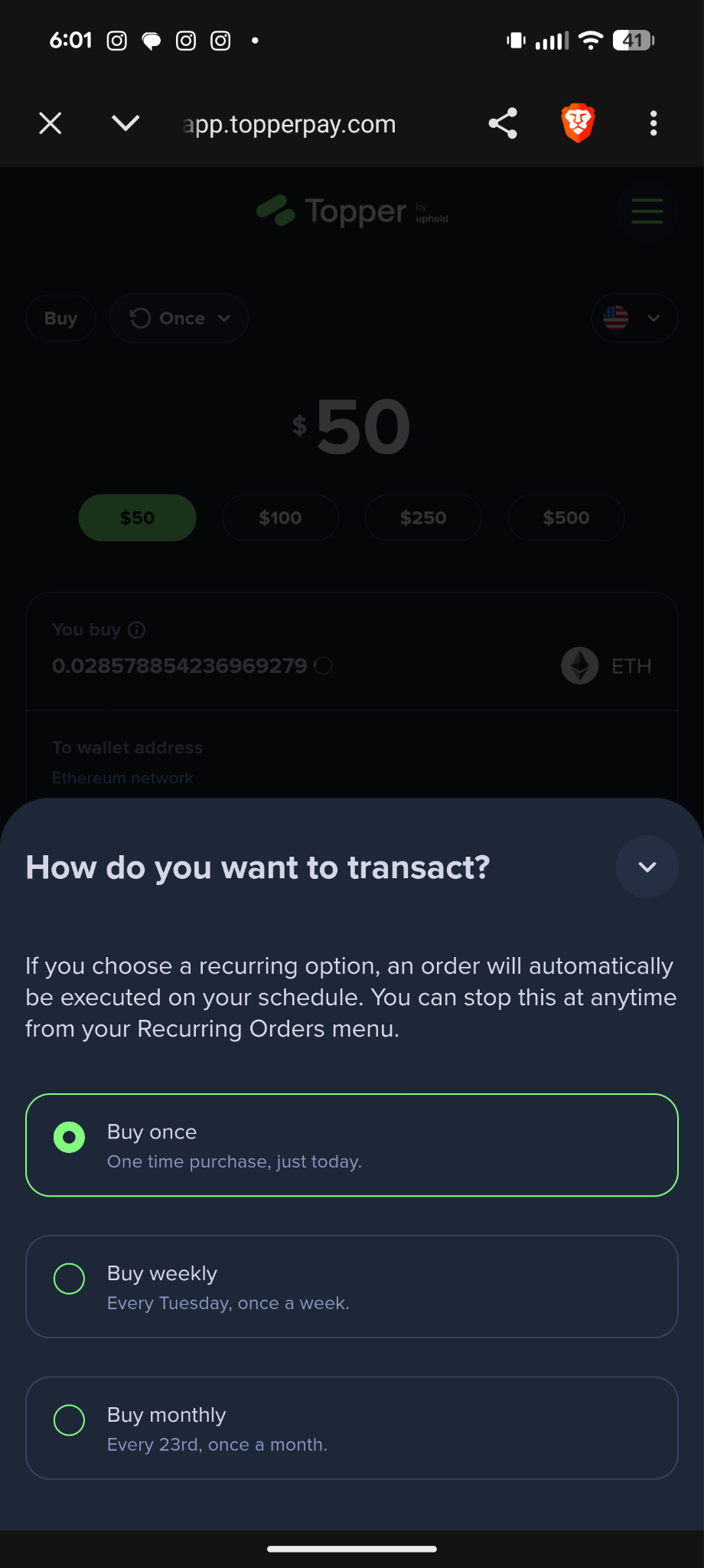
Here you can select how often you want to purchase your token.
Then follow the instructions on Topper to continue with your recurring buy. After you complete the process, your card will be automatically charged and you should receive your selected crypto to your wallet on your selected schedule.
How to Set up Recurring Buys on MEW Portfolio
First, head to MEW Portfolio and access your wallet. MEW supports access with your preferred crypto wallet, including mobile, hardware, browser extensions, and software access methods.
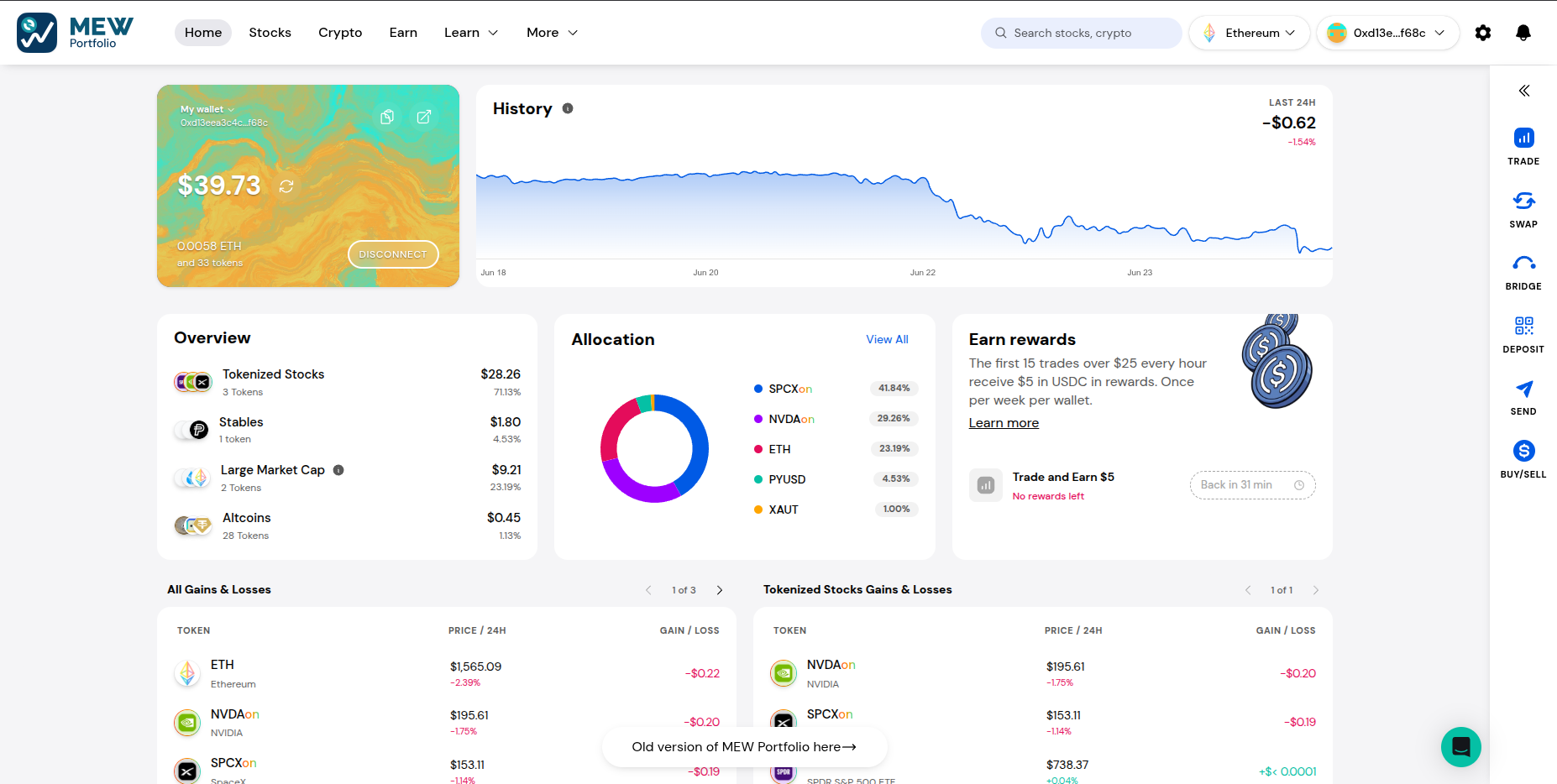
Then on the right hand side of the page click the ‘Buy/Sell’ option.

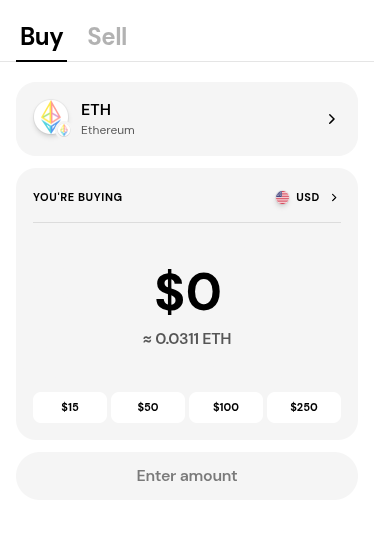
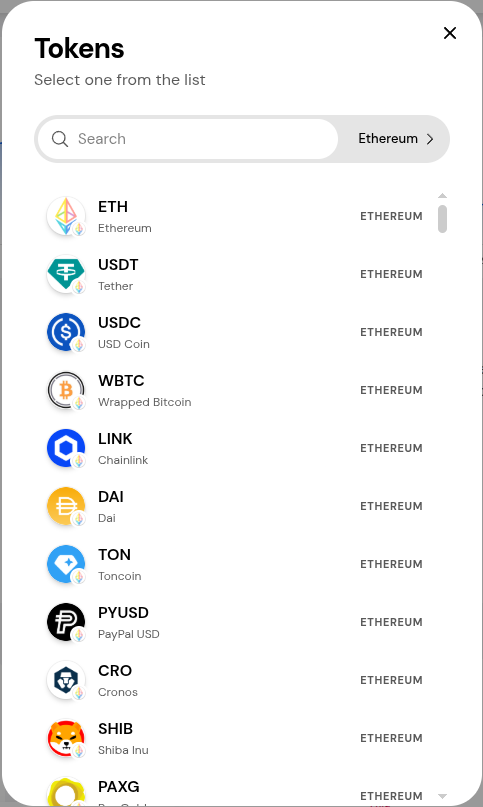
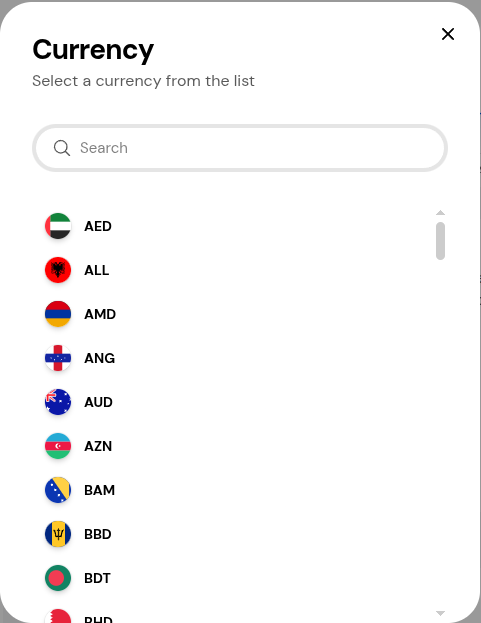
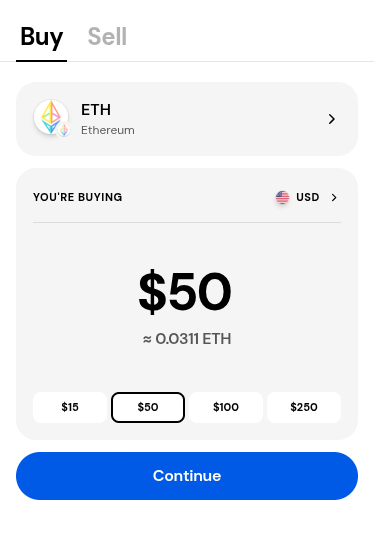
The Buy form should pop up. You can click the token to open the token selection menu and click the currency to open the currency selection menu.
On the token selection menu, select the token you want to buy. We will leave it on ETH for this example.
Select the currency you want to use when you purchase. We will leave it on USD for this example.
Enter the amount you want to purchase then click ‘Continue’.
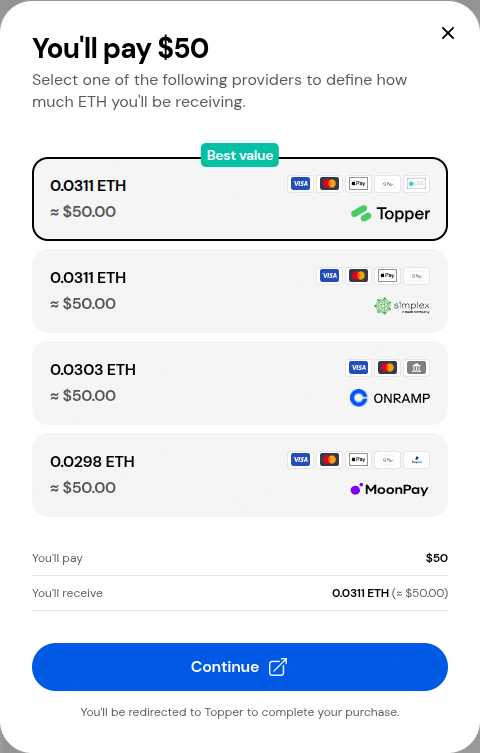
Make sure to select Topper then click continue.
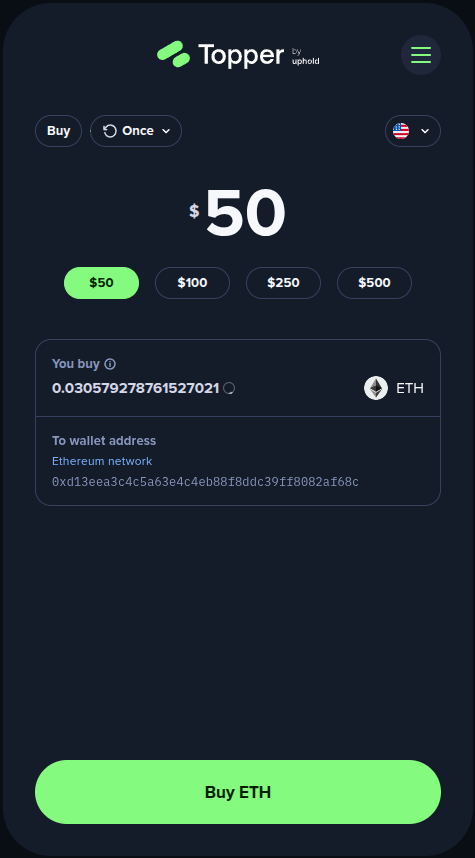
At the top left of the form click where it says ‘Once’ to open the frequency selection menu.
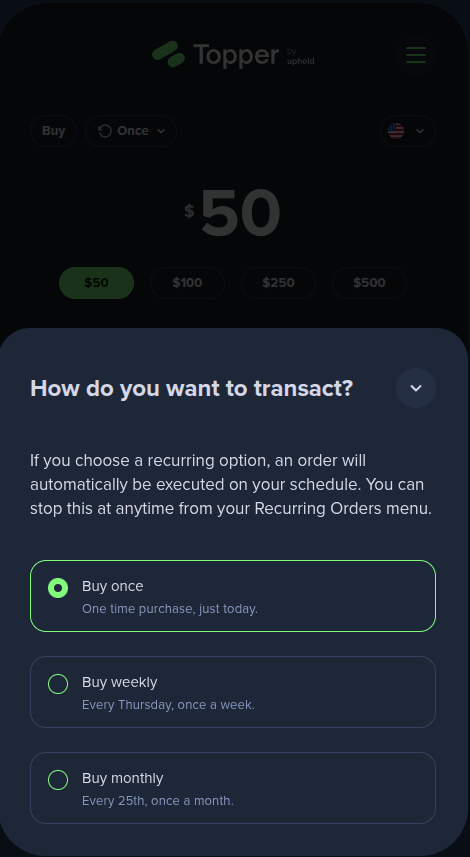
Select how often you want Topper to automatically purchase for you. We will choose ‘Buy weekly’ for this example.
Make sure everything looks correct then click ‘Buy’.
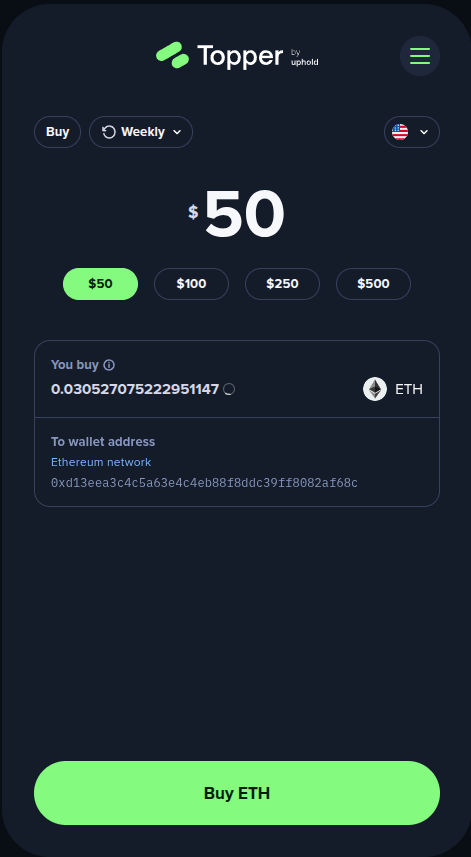
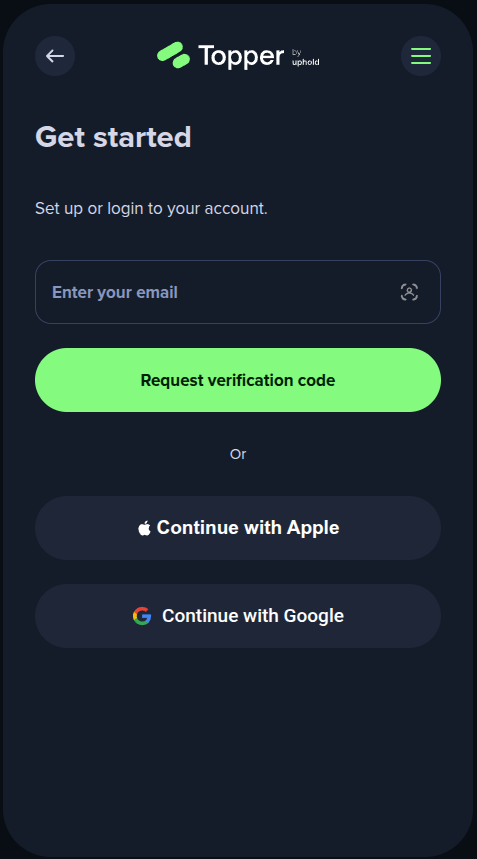
Follow the rest of the steps on Topper to complete your purchase. After you complete the process, your card will be charged automatically and you will receive the selected amount of crypto directly to your wallet on your selected schedule.
Thank you for checking out our guide for setting up Recurring Buys on MEW with Topper! Make sure to follow us on X(Twitter) and let us know your thoughts. MEW rewards active traders — see our Rewards page for all ongoing campaigns. Subscribe to our newsletter to stay up to date with MEW releases, and check out our weekly podcast Crypto Currents for the latest news in crypto.