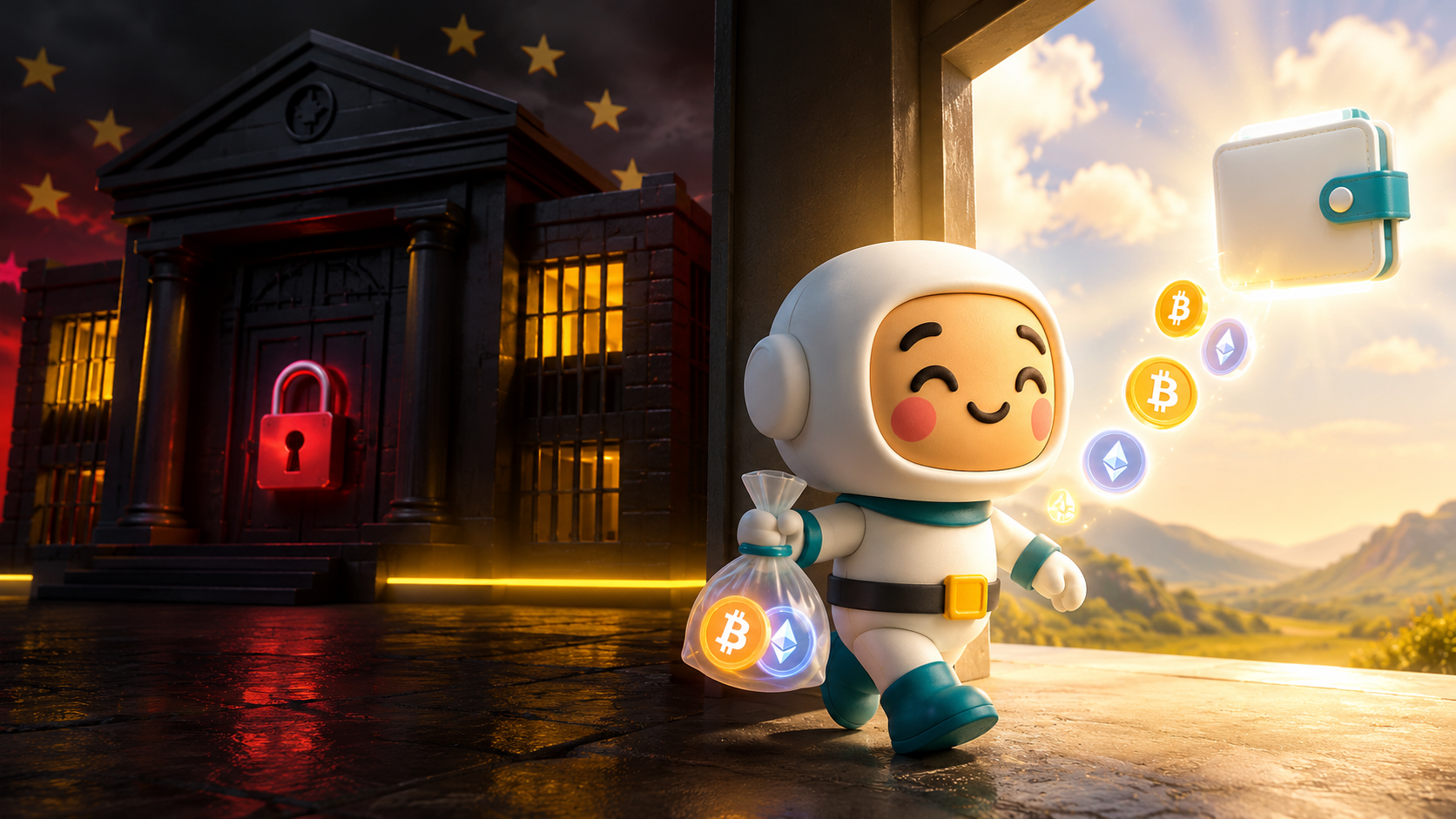
If you're a Binance user in the EU, you've probably received an email telling you that the world's largest crypto exchange can no longer provide services in your country. Spot trading, margin trading, and new deposits are all suspended. Withdrawals remain open — but for how long that window stays convenient is anyone's guess.
This isn't a hack or a collapse. It's regulation. Binance failed to secure a MiCA licence before the EU's July 1, 2026 deadline, and as a result, millions of users across France, Italy, Spain, Poland, and other EU countries are now locked out of their accounts for anything other than withdrawals.
Your funds are still there. The question is what you do with them now.
The time to move your crypto is now, while withdrawals are still smooth and the process is on your terms.
Move Your Crypto to a Self Custody Wallet
The most effective long-term solution isn't switching to another centralized exchange. It's moving your crypto into a non-custodial wallet (aka a self custody wallet) — one where you hold your own keys and no exchange, regulator, or regulatory decision can restrict your access.
A non-custodial wallet created through a provider like MEW can't get hacked or freeze your accounts because of bankruptcy or regulation. Why? Because they don't have access to your funds. Only you do. Even if MEW never produced another line of code, you could still access your crypto with your recovery phrase in any compatible wallet. That's what self custody means.
Here's how to do it.
Step 1 — Create your self custody wallet
Download the MEW wallet app on your phone or install the Enkrypt browser extension on your desktop.
- MEW wallet app — best for managing crypto on mobile, with support for Ethereum and Ethereum-based tokens, plus Bitcoin, Base, Polygon, BNB Smart Chain, Arbitrum, Optimism and more
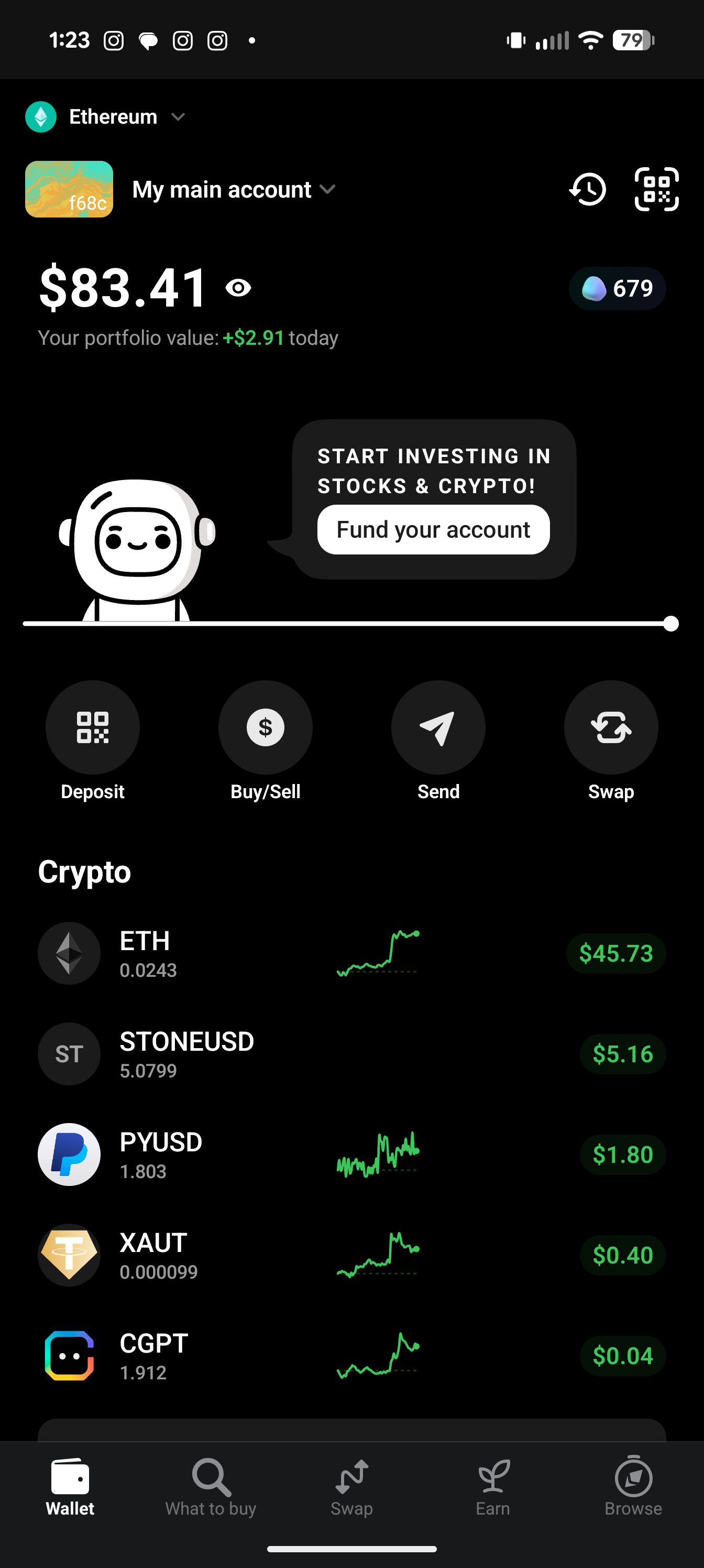
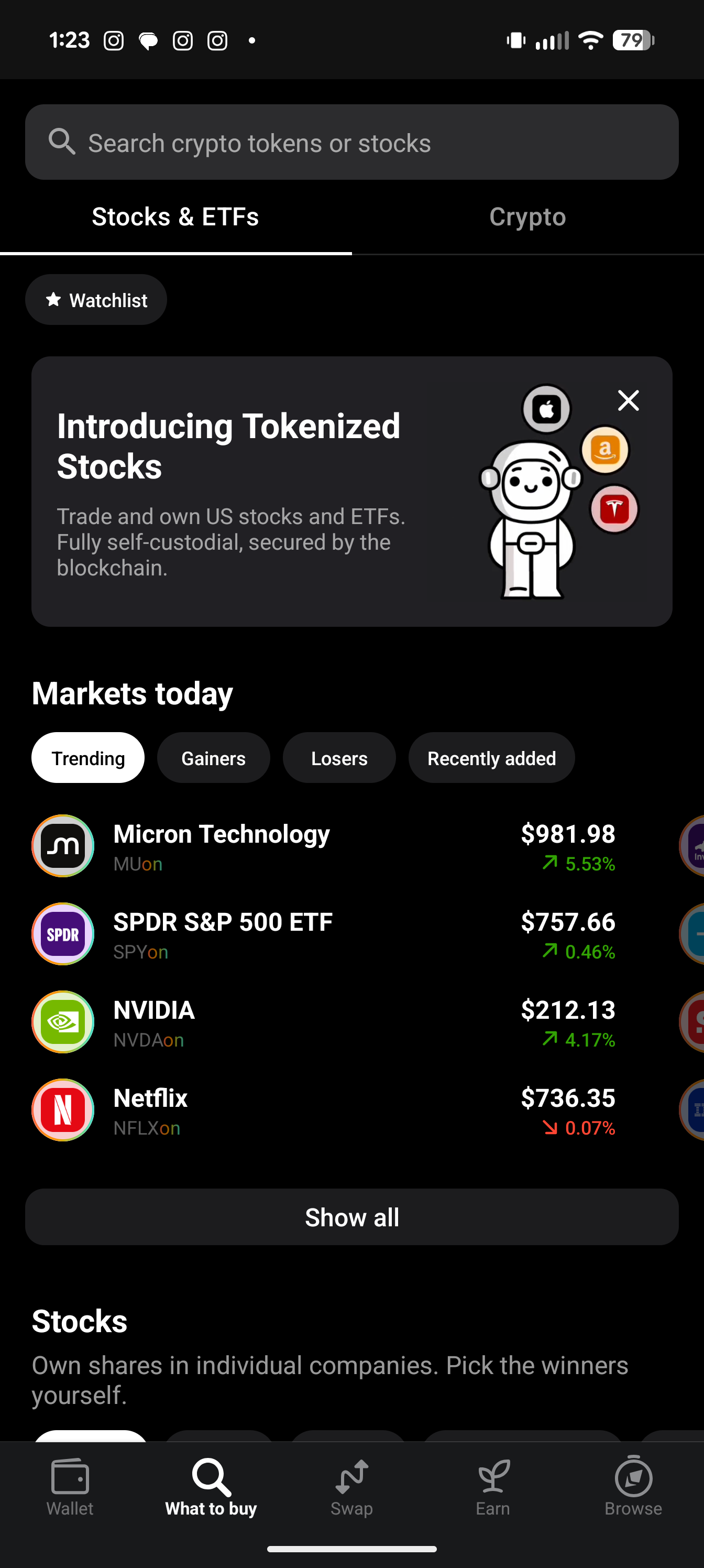
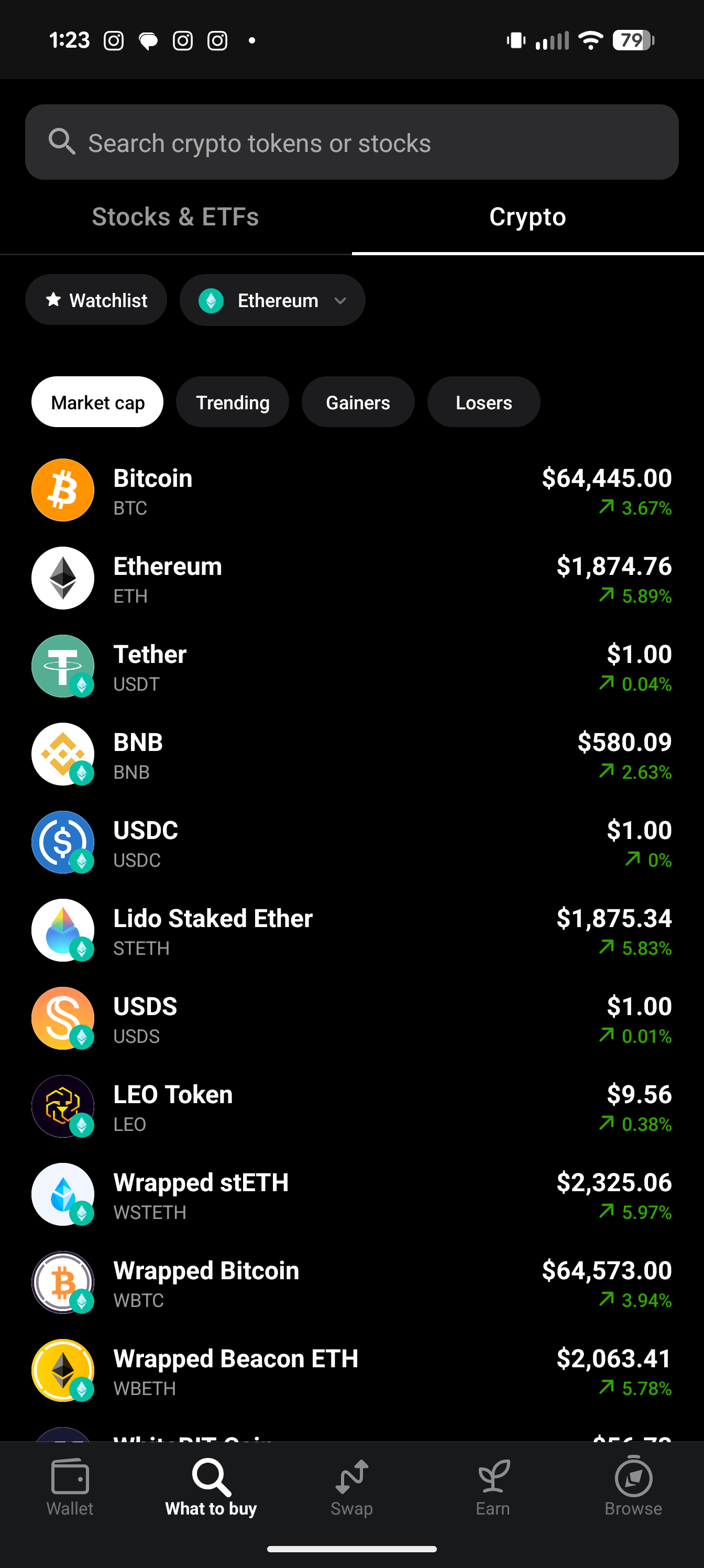
Enkrypt — great option if you prefer to manage crypto on a computer, with support for over 70 natively integrated networks
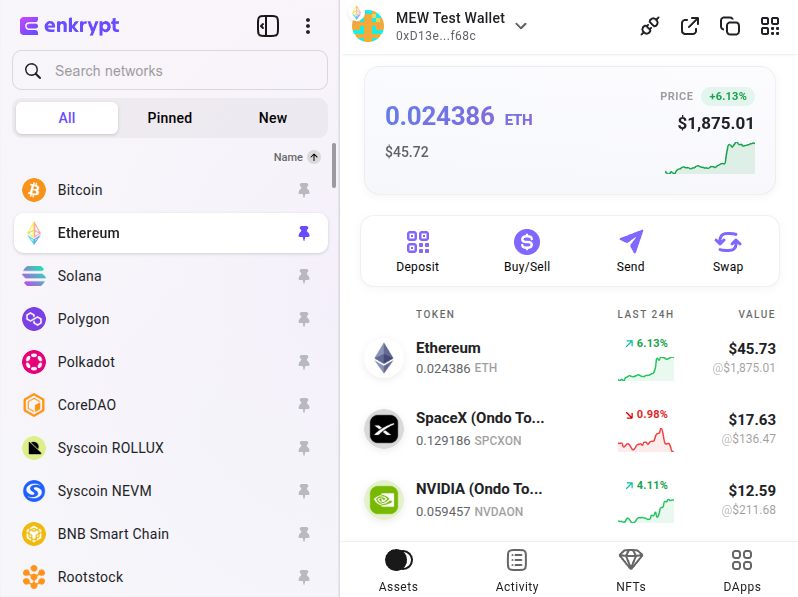
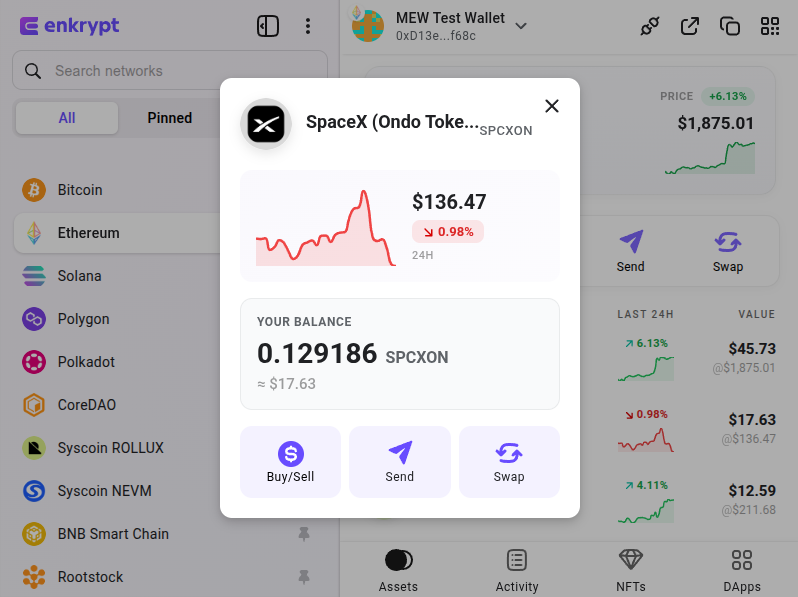
See these guides for a detailed step-by-step:
Create and back up a wallet with MEW wallet app
Create and back up an Enkrypt browser wallet
Step 2 — Write down your recovery phrase and keep it safe
When you set up your wallet, you'll be given a recovery phrase — typically 12 or 24 words. This is the master key to your wallet. Write it down on paper. Do not store it in a cloud document, email it to yourself, or take a screenshot.
Keep your recovery phrase somewhere physically secure. Consider multiple copies in multiple locations. Anyone with your phrase has full, immediate access to your funds — and there is no way to recover it if it's lost or stolen.
If it’s your first time using a self custody wallet, we recommend reading our security and anti-phishing tips for keeping your asset safe.
Step 3 — Find your wallet address
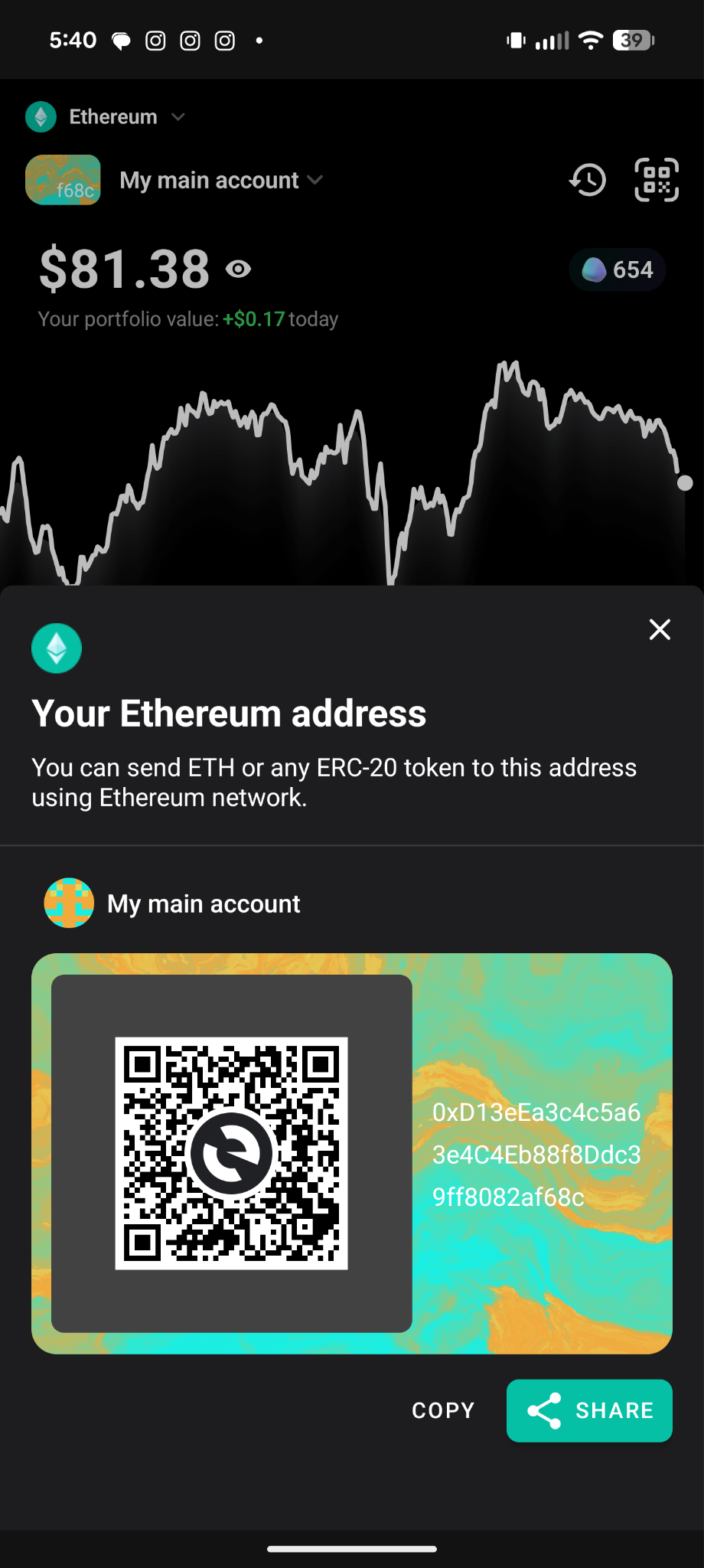
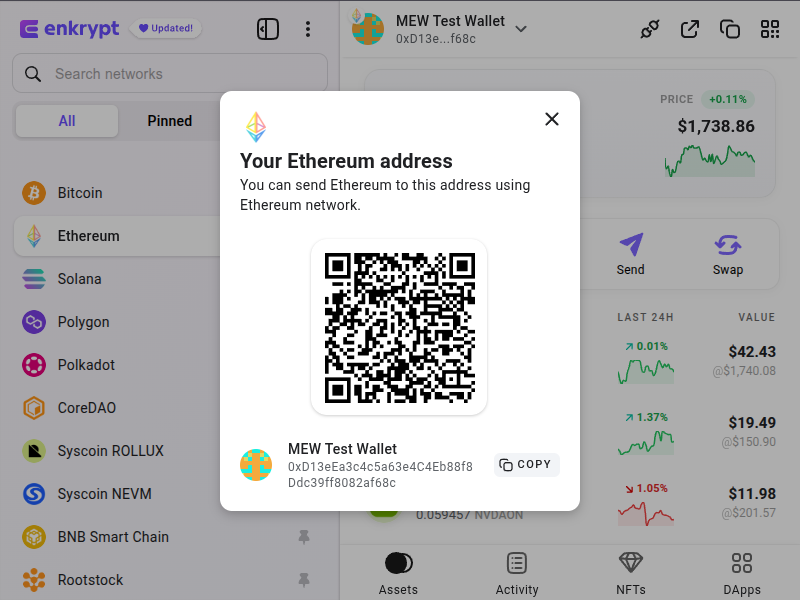
Once your wallet is set up, locate your public wallet address. This is the address you'll give Binance when you withdraw. For Ethereum and ERC-20 tokens, it will start with ‘0x’ followed by 40 hexadecimal characters.
You will never need to share your recovery phrase to receive funds. Only your public address is needed.
Use these guides to help you locate the address:
Send and receive crypto using MEW wallet
Send and receive crypto using Enkrypt
Step 4 — Withdraw from Binance
In your Binance account, go to your wallet and select the asset you want to withdraw. Paste your MEW or Enkrypt address into the withdrawal field — always copy and paste, never type manually. One wrong character sends funds to the wrong address with no way to recover them.
Make sure you're withdrawing on the correct network. Ethereum-based tokens should be withdrawn on the Ethereum network and tokens on other networks like Base, BNB Chain, and Polygon should be sent to corresponding networks. MEW and Enkrypt also support Bitcoin. Keep in mind that sending on the wrong network can result in lost funds.
It’s always a good idea to do a small test transaction first before moving larger amounts.
Step 5 — Confirm receipt
Your funds should appear in your MEW or Enkrypt wallet within a few minutes of Binance processing the withdrawal, depending on network conditions. You can check your balance directly in the MEW Mobile app or Enkrypt browser extension.
Watch Out for Scams
Migration periods like this are prime phishing territory. Scammers move fast when millions of users are transferring funds under time pressure.
Watch out for fake emails impersonating Binance or MEW, fake support accounts on Telegram and X, and phishing websites that mimic legitimate wallets. The official MEW website is www.myetherwallet.com — always check the URL before entering anything.
And remember: no legitimate company will ever ask for your recovery phrase. Ever. If anyone asks for it, it is a scam. Read our tips for avoiding scams and phishing.
Whichever path you choose, the window to act on your own terms is open right now. Don't wait until it isn't.
For more on self custody and how it works, see our article on why self custody matters.
Different non-custodial wallets for different purposes
There are many options for non-custodial storage – hardware wallets like Ledger and Trezor, mobile apps like MEW Mobile wallet, and browser extensions like Enkrypt. It’s probably easiest to start with a mobile wallet, but as you get more experienced, you may want to have a couple of wallets of different types. They can serve different purposes, and the old wisdom about not putting all your eggs in one basket also pertains.
Hardware wallets are for storing large amounts of crypto that you don’t anticipate moving any time soon. Some people store these wallet devices and/or the corresponding recovery phrases in bank vaults. The point is, this is your most secure and protected storage, and you should treat it accordingly. This is not the wallet for doing daily trades or participating in risky projects.
Browser wallets are for daily interactions with decentralized applications, exchanges, and web3. You want the opportunity to interact with exciting new DApps and DeFi, but you want to take only as much risk as you are prepared for. Even for experts, it’s hard to be 100% protected from scams that get you to interact with bad contracts and sign malicious operations, so you don’t want to be holding large amounts of crypto in browser wallets for long periods of time.
Mobile wallets are a great option for daily trading and interacting with DeFi, with even greater convenience than using a browser wallet on your computer. Mobile wallet apps are the best for easy payments, quick trades, and keeping tabs on your DeFi positions while you’re on the go. Apps like MEW Mobile do a great job of protecting your keys in an encrypted enclave on your mobile device. In fact, they can often be more secure than a web wallet on a computer! As long as you have your phrase, you don’t even need to worry about losing or breaking your phone. You can always restore your wallet on a new device.
When to use centralized platforms
There are decentralization and privacy maximalists who will tell you that you should never, ever go centralized. However, in the current crypto landscape, that’s not always feasible. Onboarding (aka buying crypto using your card or bank account) and selling crypto may have to happen through centralized services, as well as some crypto swaps that are not supported by decentralized exchanges.
That’s fine. You can keep your exchange account and use it when you need to buy crypto, sell crypto, or make a swap that you can’t do with your non-custodial wallet. Only send the amount of crypto that you want to trade to the exchange, and send back to your non-custodial wallet when you’re done. A centralized exchange should not be your wallet for holding funds. It’s just a tool to accomplish some of your crypto goals – one of the many tools you’ll be using in your crypto journey.
Let us help you
We realize that many crypto users, especially newbies, find self custody challenging because that’s not what they are used to in traditional internet and banking services. We are here to help you, because we believe that self custody is worth it to keep your crypto safe. Reach out to support@myetherwallet.com, explore our Help Center, join our community on Reddit, or send us a DM on Twitter. Let’s make crypto safer for everyone, together.
MEW rewards active traders — see our Rewards page for all ongoing campaigns. Sign up for our newsletter to stay up to date with MEW releases, and check out our weekly podcast Crypto Currents for the latest news in crypto.